” Trucking Hub does everything we need and more. Their support is exceptional; whenever we have questions, we get replies almost immediately. “
Trucking TMS Software
More Trucks.
Less Overhead.
Dispatch loads, pay drivers, send invoices, recruit and manage DOT compliance.
-
AI-powered load entry and reporting
-
PC*MILER routing and mileage
-
Built-in ELD compliance
Years in Trucking
Platform built by truckers.
Trucking Companies
Trust Trucking Hub every day.
ELDs Sold
FMCSA certified since 2017.
All-in-One Trucking Management System
Trucking, Simplified™
Software, connected hardware and services in one modern platform to run your trucking company.
Cloud-based trucking software for dispatch, accounting, compliance and fleet management.
-
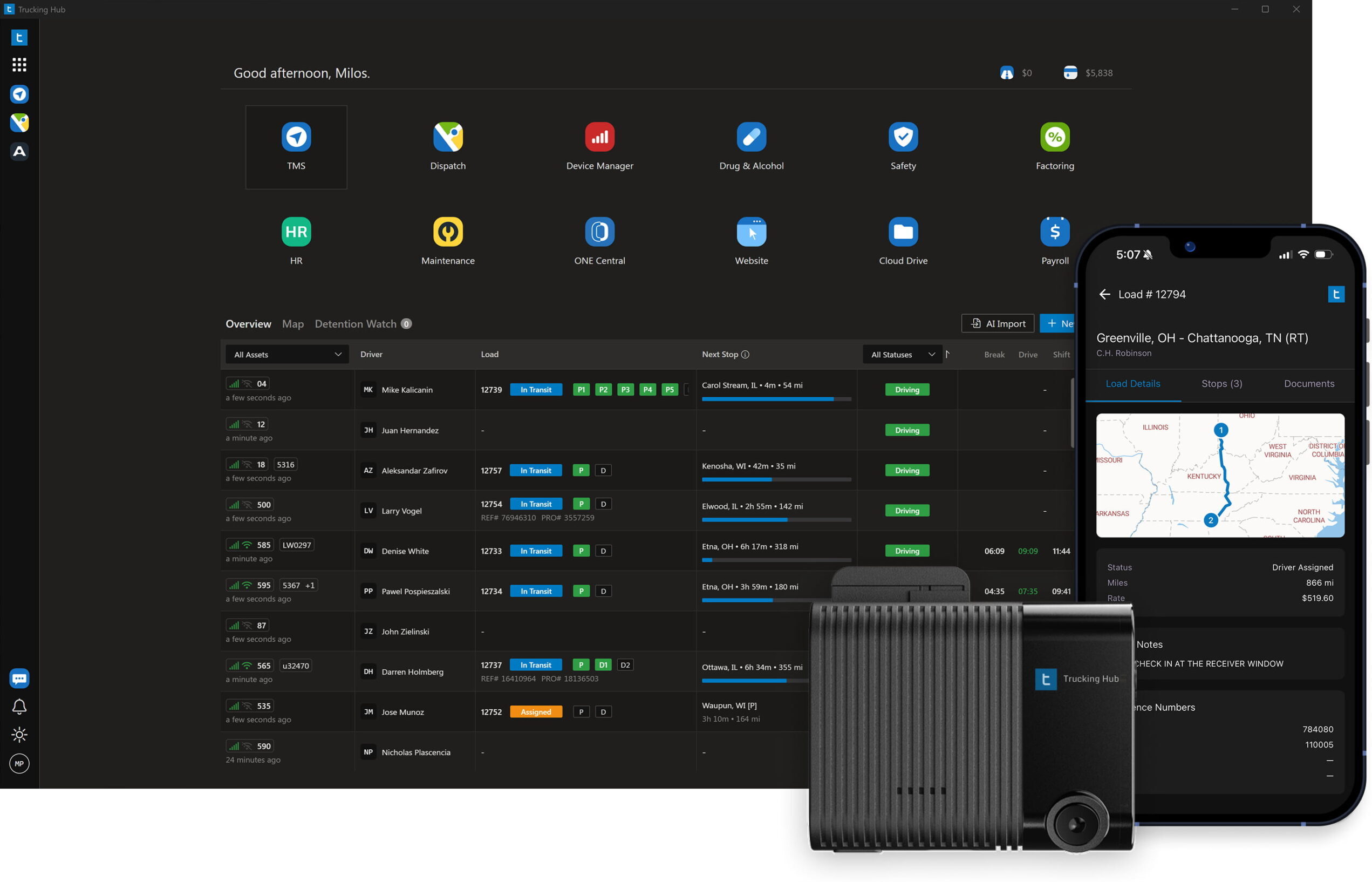
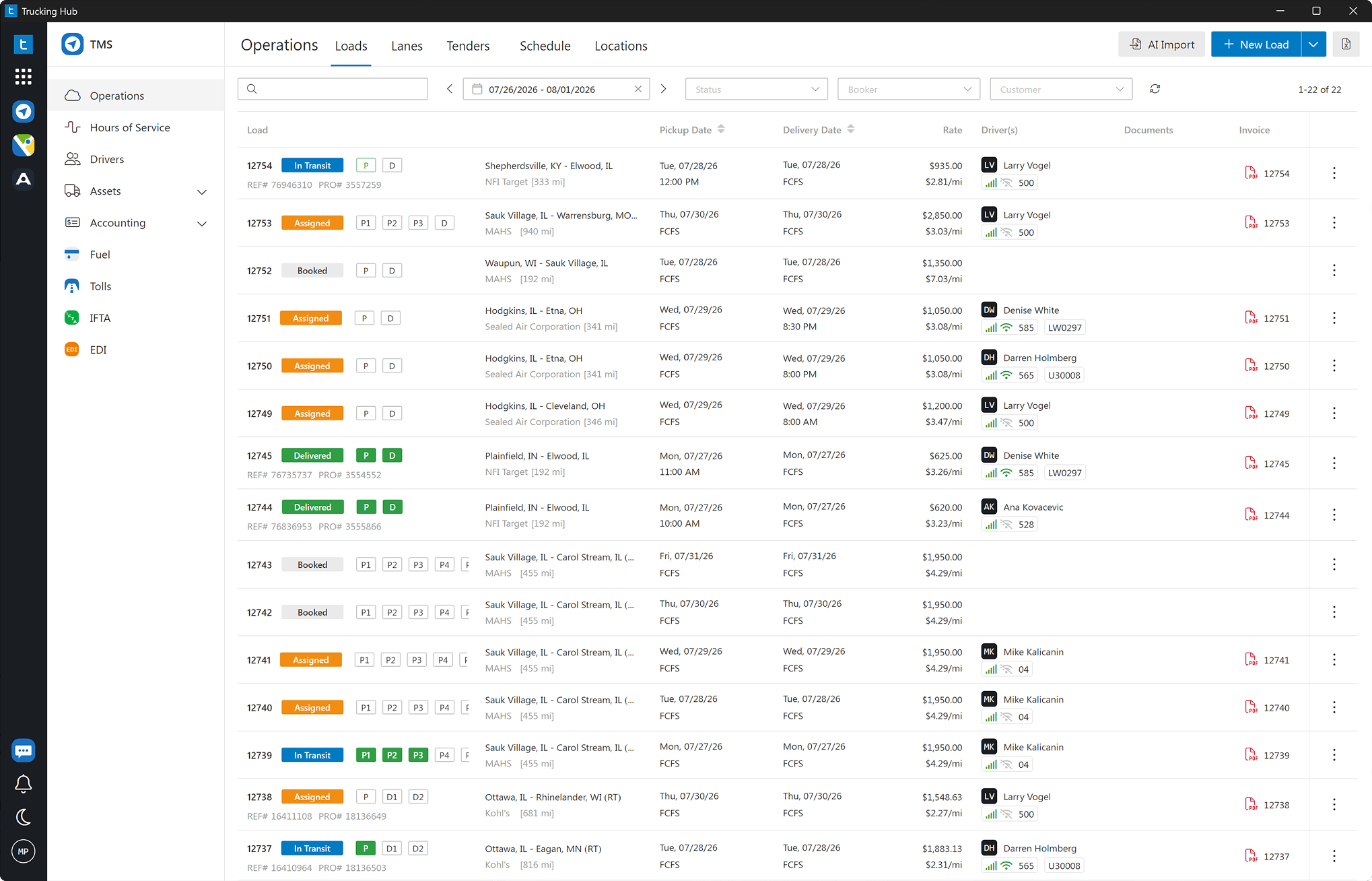
TMS
Automate dispatch, settlements, invoicing and driver management.
-
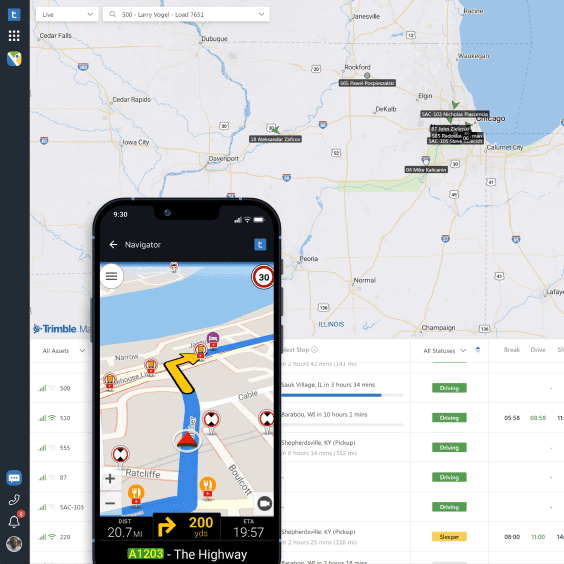
Dispatch
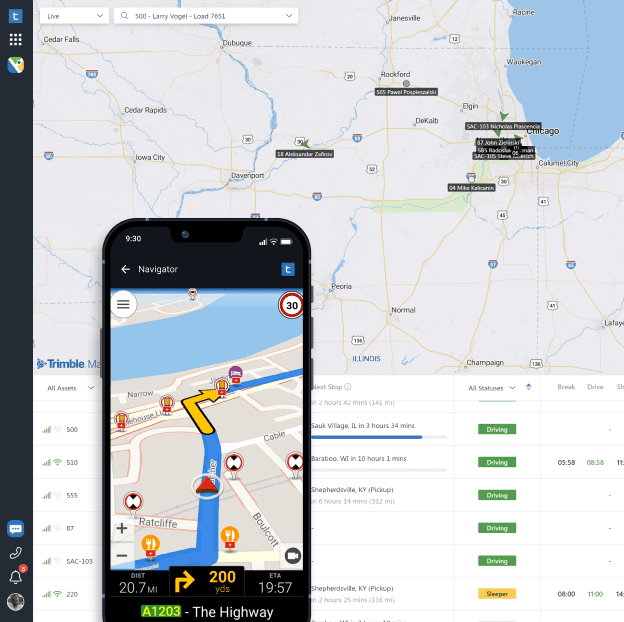
Unified tracking of assets, loads, HOS, and ETAs — powered by PC*MILER.
-
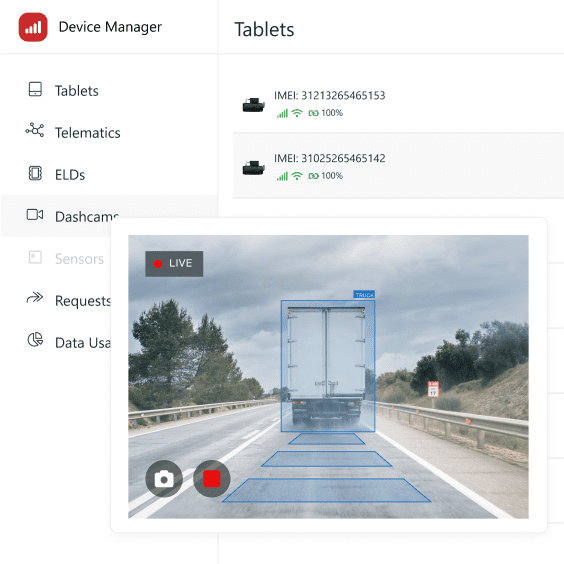
Device Manager
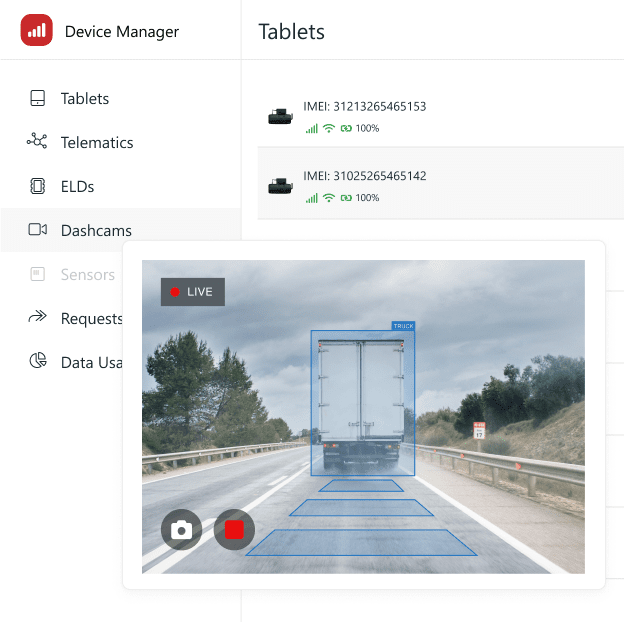
Mobile Device Management (MDM) for tablets and telematics devices.
-
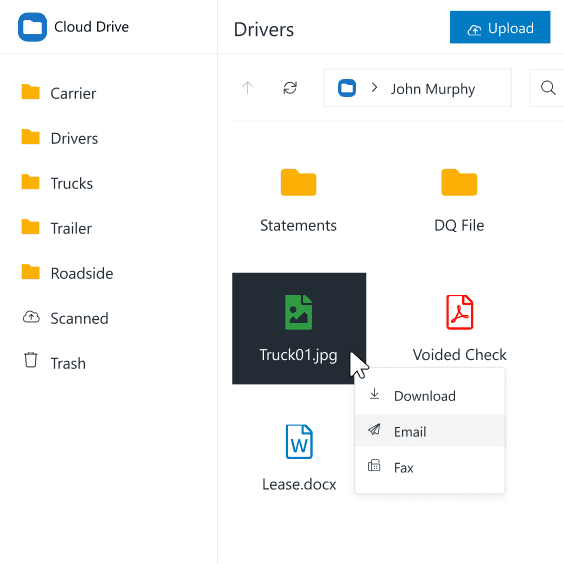
Cloud Drive
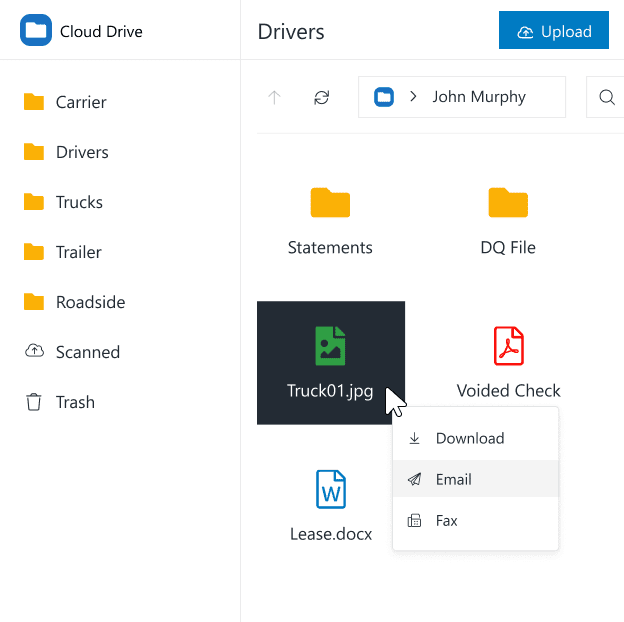
Carrier, driver, asset, and roadside document management.
-
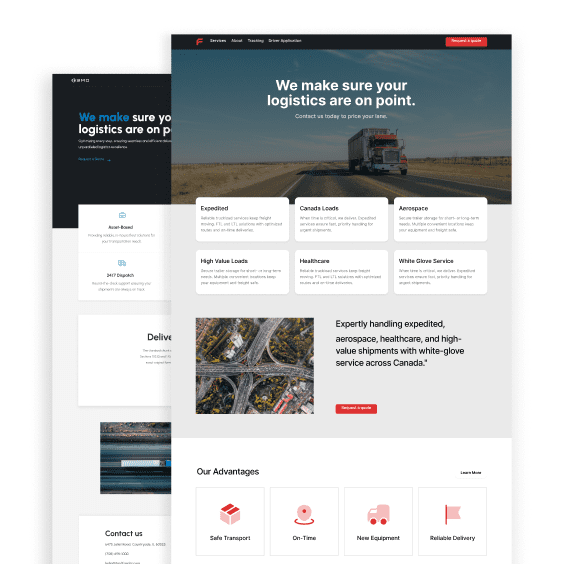
Website
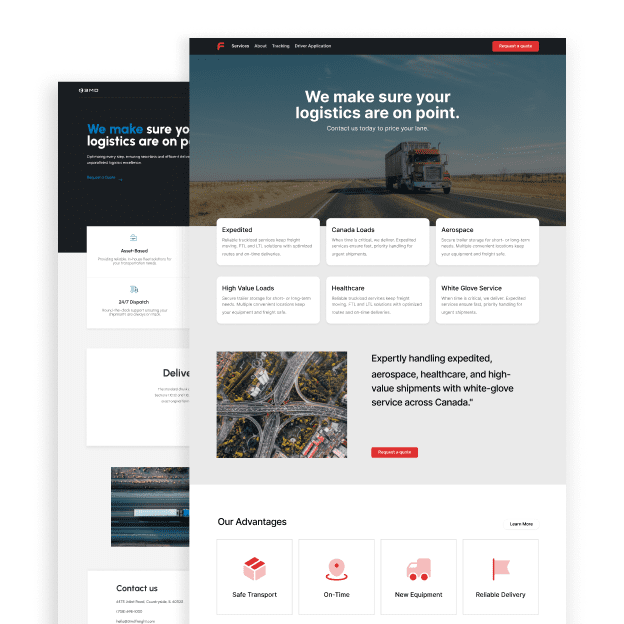
Get your domain and launch a website in under 5 minutes.
-
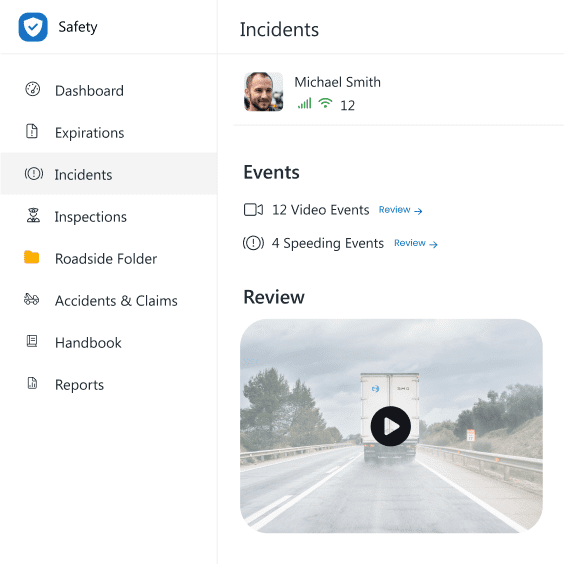
Safety
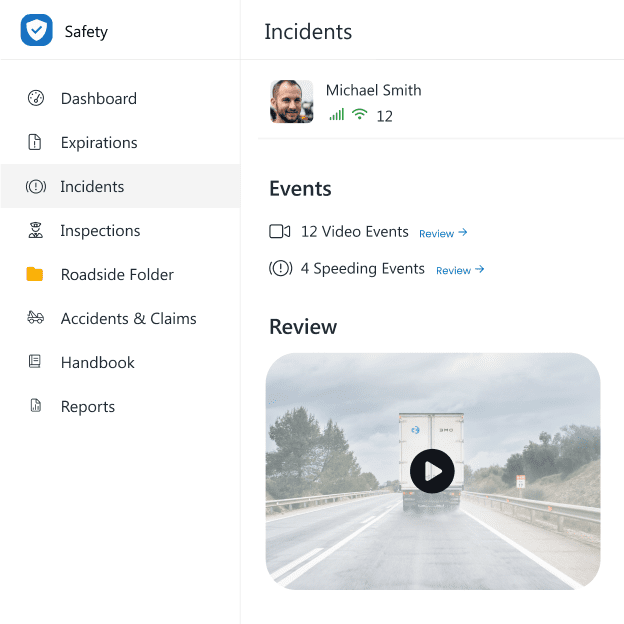
Monitor driver behavior, manage incidents, and stay audit-ready.
-
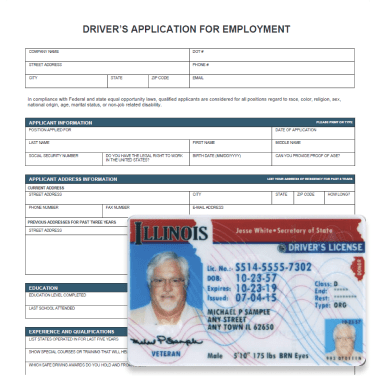
Driver Recruiting
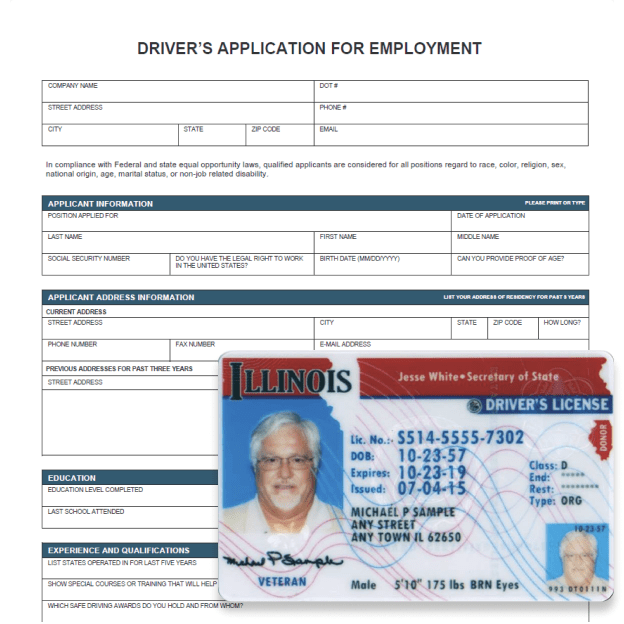
Streamline recruiting with a hosted driver application.
-
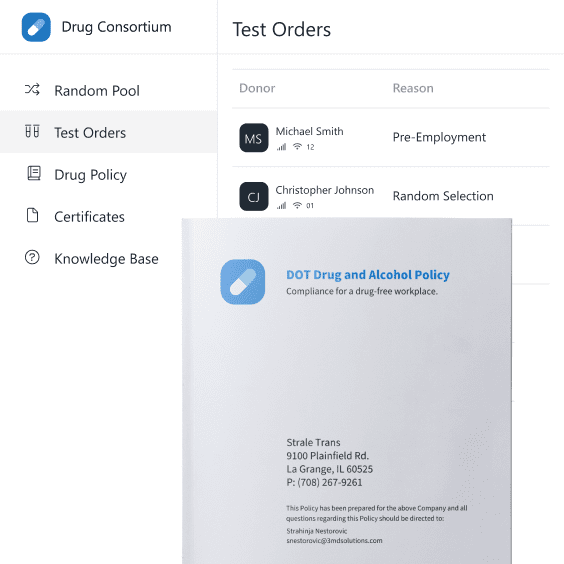
Drug & Alcohol
Manage DOT drug and alcohol compliance and testing.
-
Maintenance
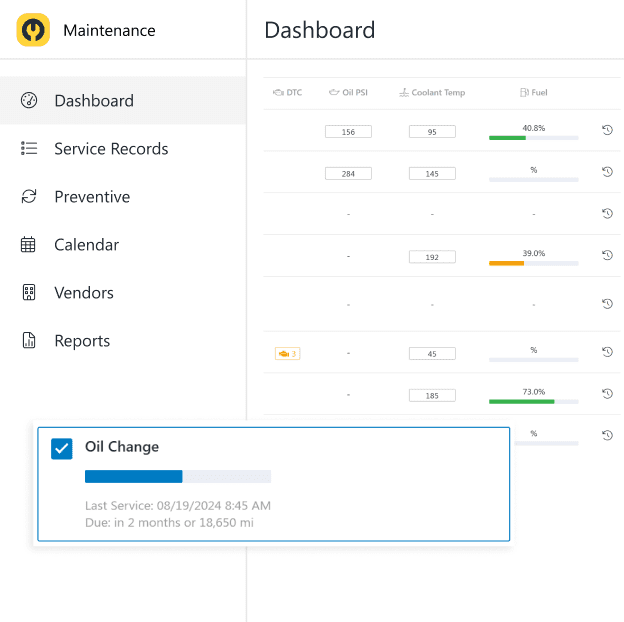
Optimized fleet maintenance with real time telematics data.
-
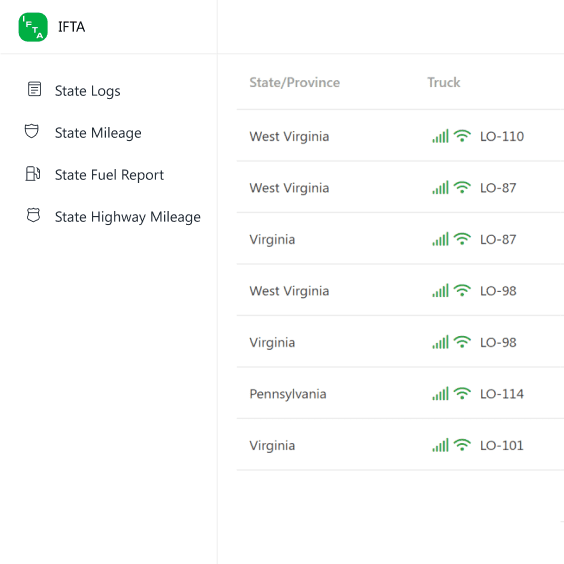
IFTA
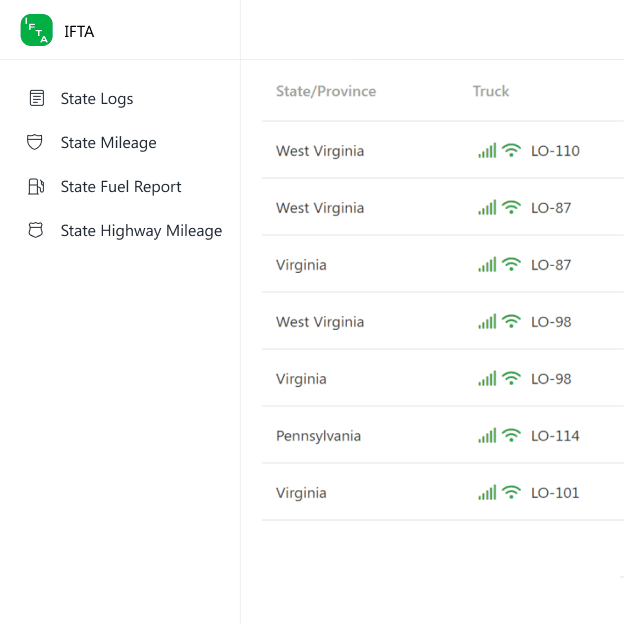
Automated IFTA fuel tax reporting with integrated fuel imports.
-
Trucking Hub Mobile
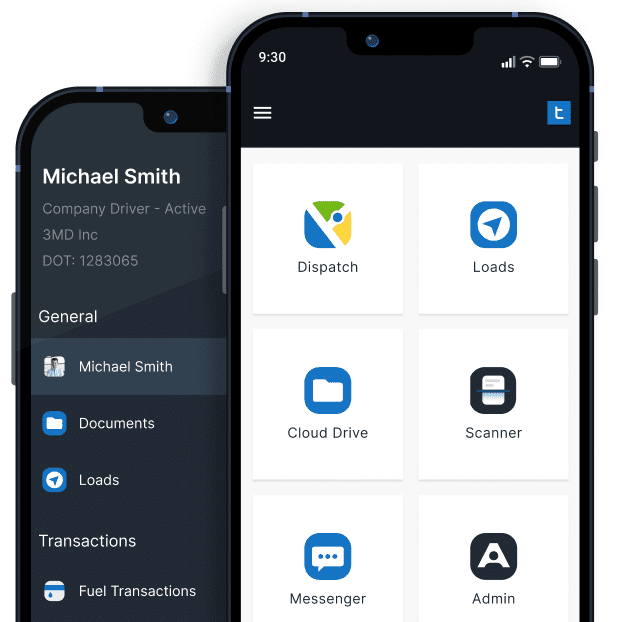
All-in-one mobile app to streamline driver workflows and POD collection.
-
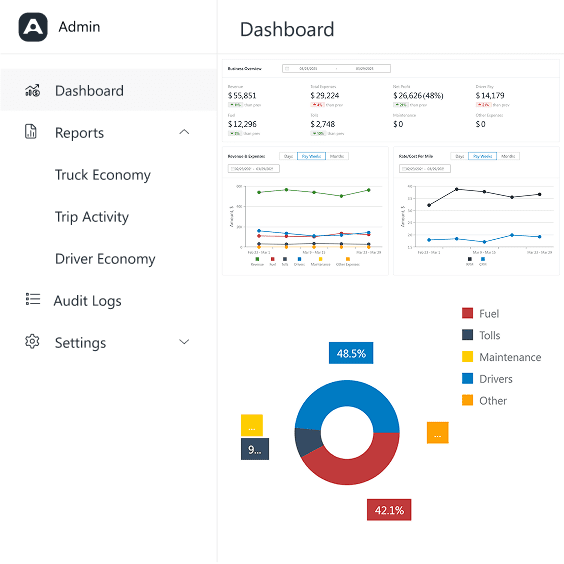
Admin
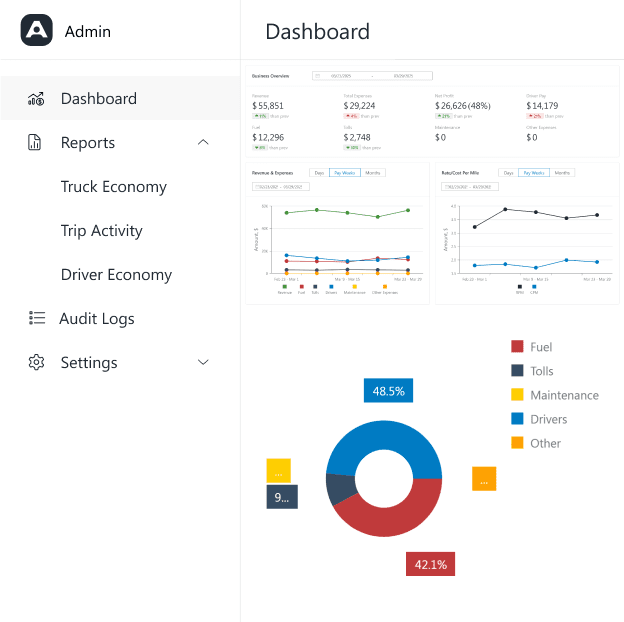
Real-time BI dashboards, audit & access management.
-
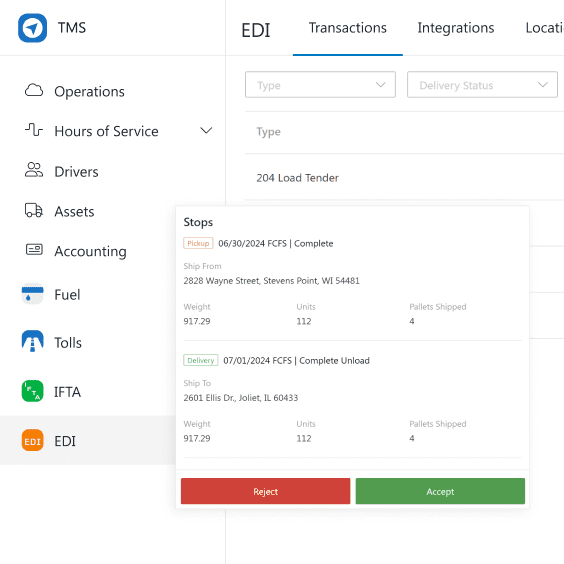
EDI
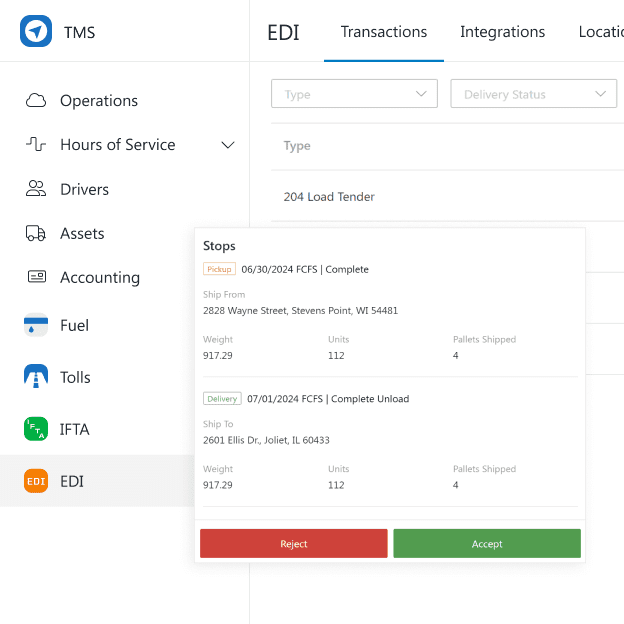
Accept tenders, eliminate check calls and order entry.
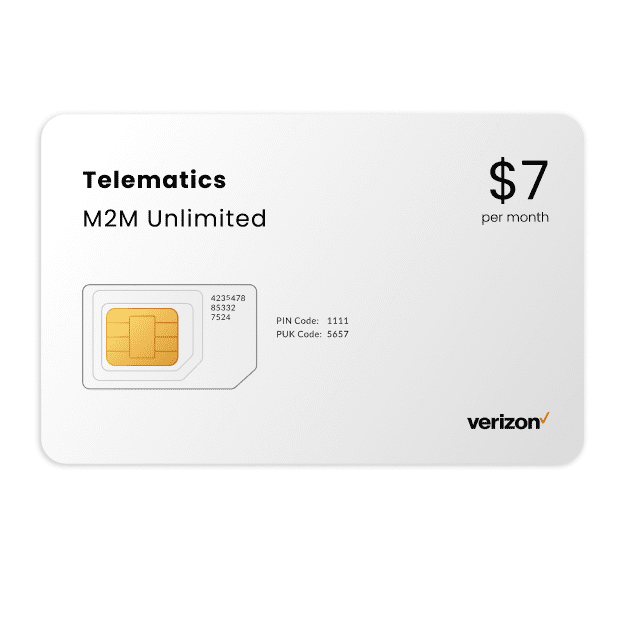
Connected devices for fleet management, tracking and visibility – starting at just $7/mo.
-
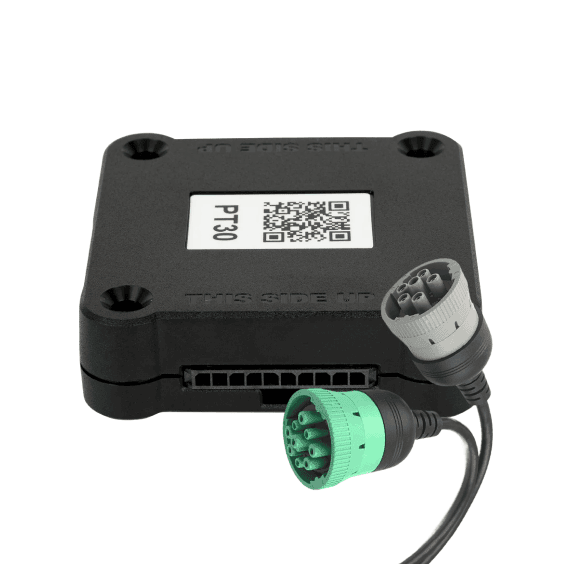
ELDs
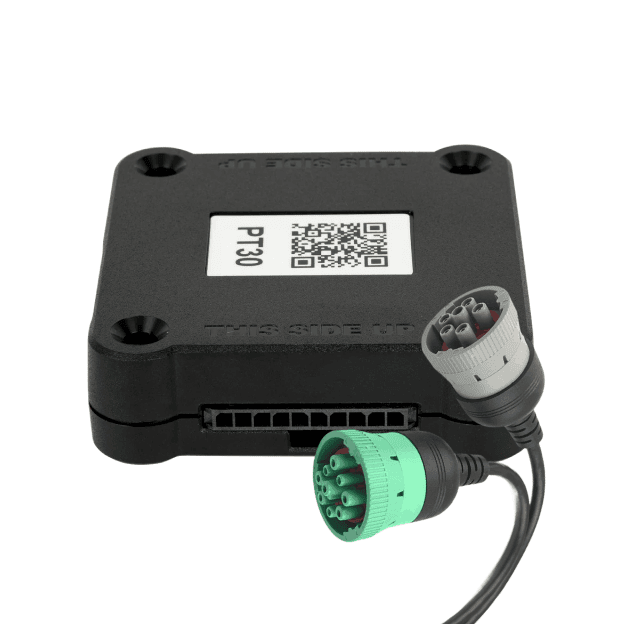
Electronic Logging Devices with real-time GPS and LTE telematics.
-
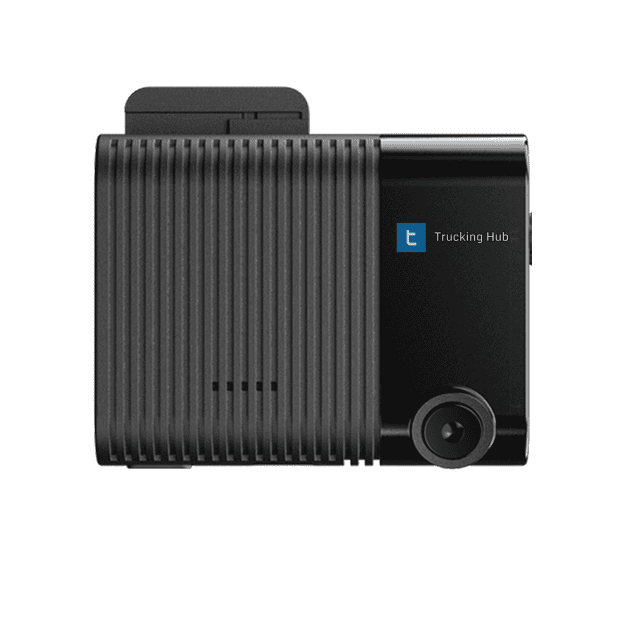
Dashcam ONE™
All-in-one device for ELD, video telematics and AI-powered safety.
-
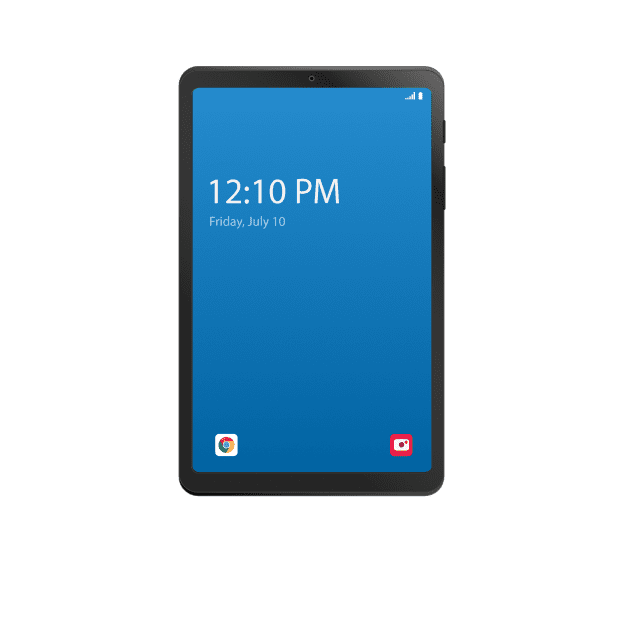
Fleet Tablets
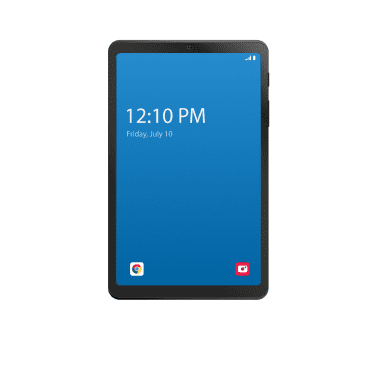
Deployment-ready Samsung tablets with MDM and remote access.
-
Asset Tracking
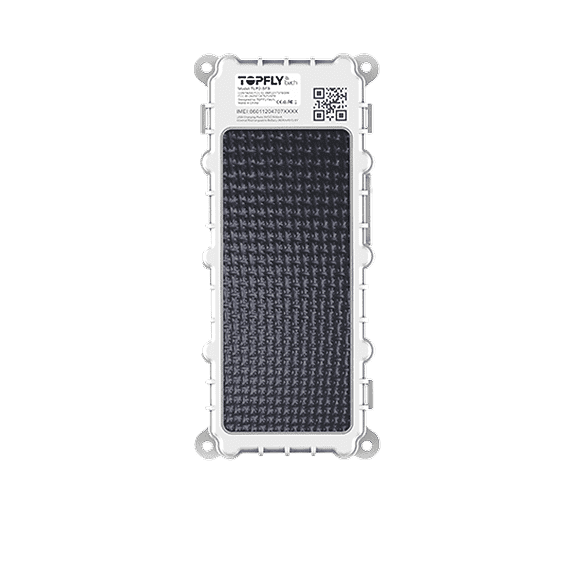
Real-time GPS asset tracking and geofencing solutions.
-
LTE Connectivity
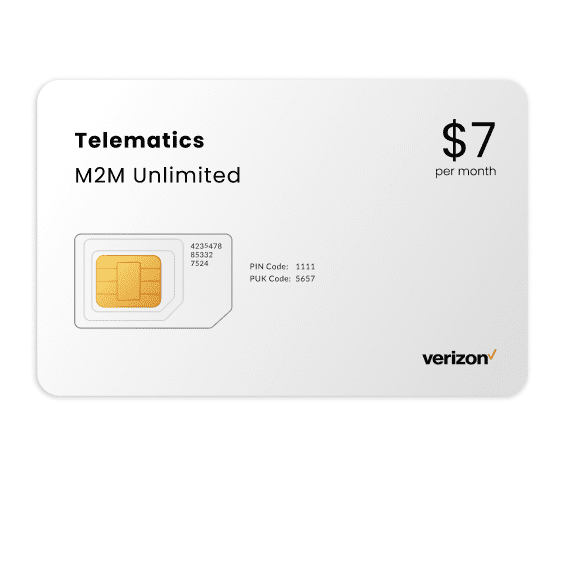
We run on Verizon network for reliable, continuous fleet operations.
Built-in end-to-end DOT compliance and safety management.
-
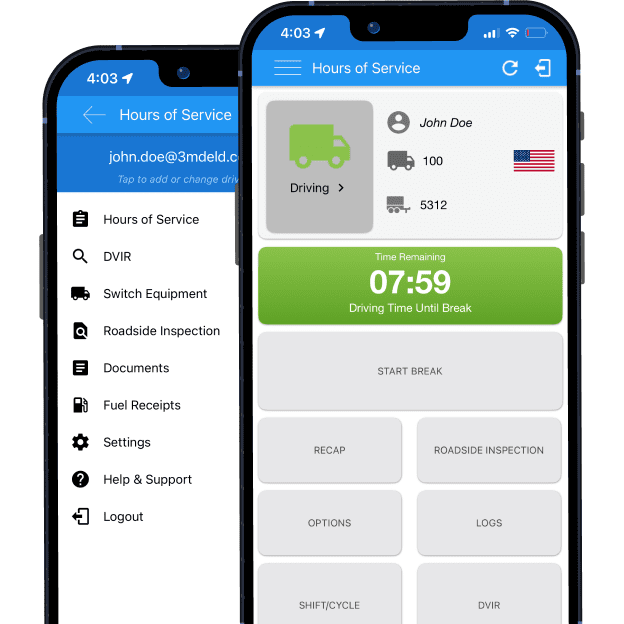
Hours of Service
FMCSA certified ELD solution with tamper-proof logs, DVIR and IFTA.
-
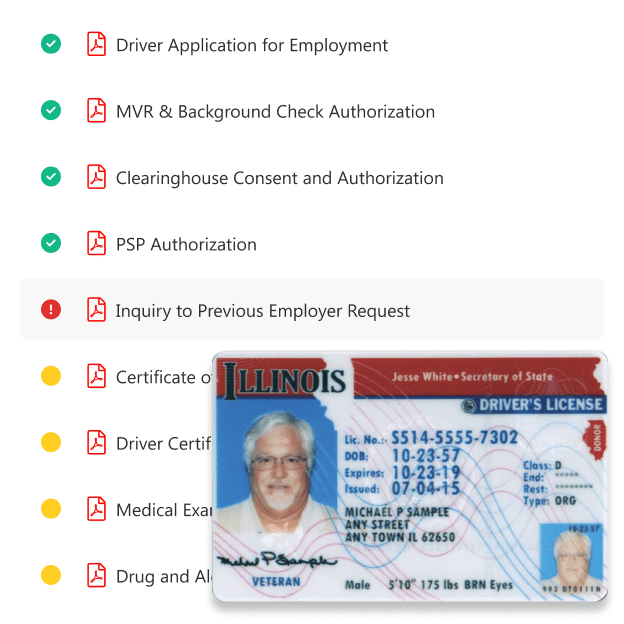
Driver Files
Automated creation and tracking of Driver Qualification Files (DQF).
-
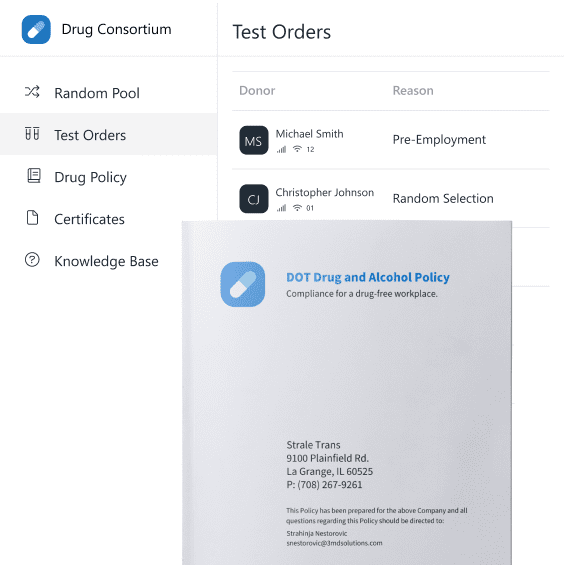
Drug Testing
Manage all DOT drug and alcohol testing requirements.
-
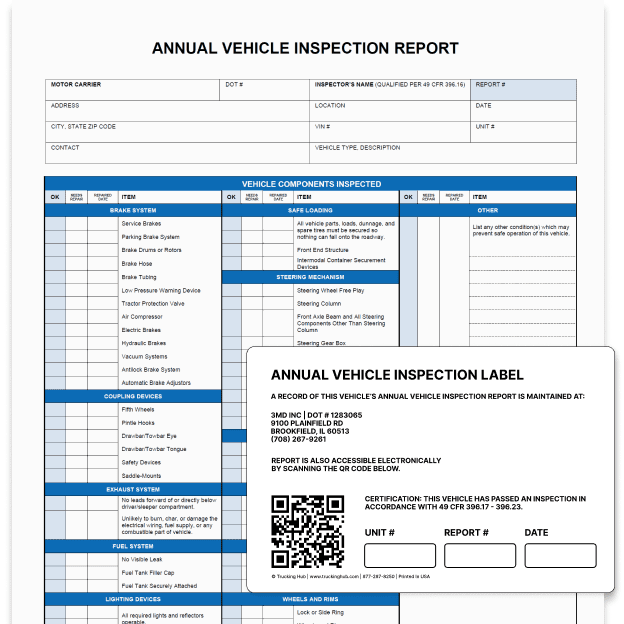
Vehicle Maintenance
Preventive maintenance, repairs, and inspection tracking.
-
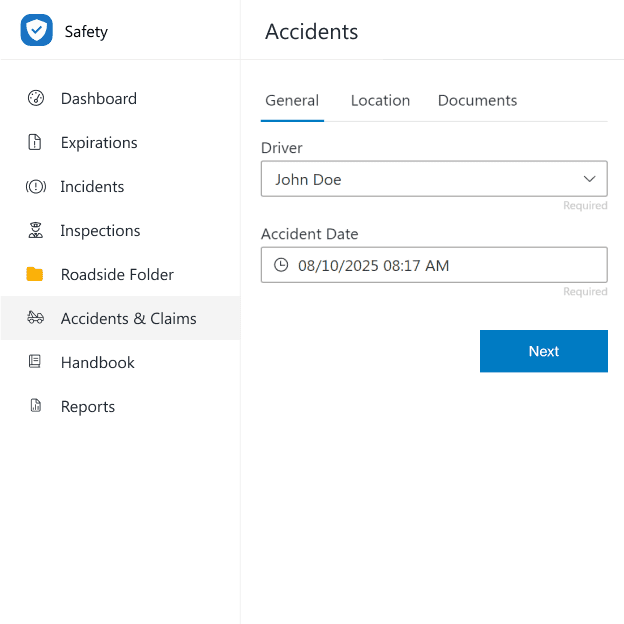
Accident Reporting
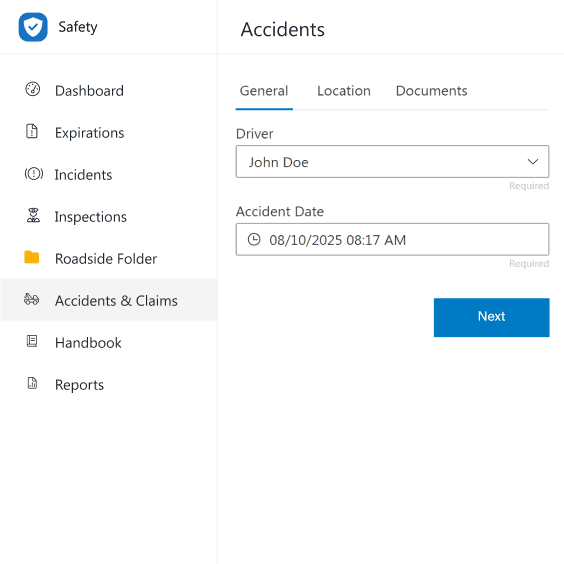
Recordkeeping and retention of DOT-reportable crashes.
Business phone system for trucking with unlimited talk, text, video and fax.
-
ONE Central™
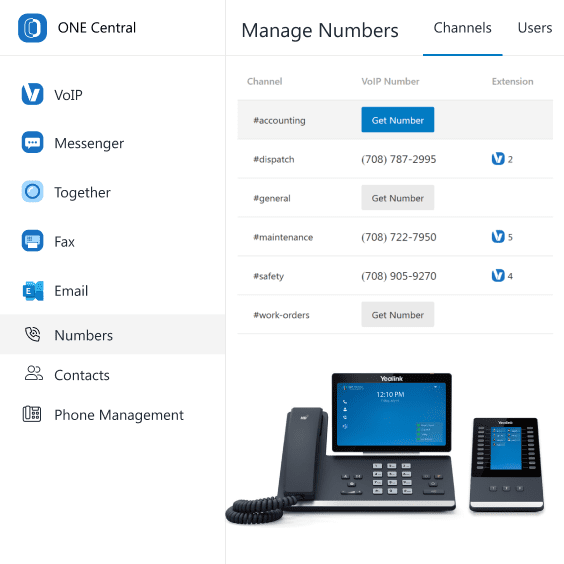
Unified communications platform for VoIP, SMS, video, and fax.
-
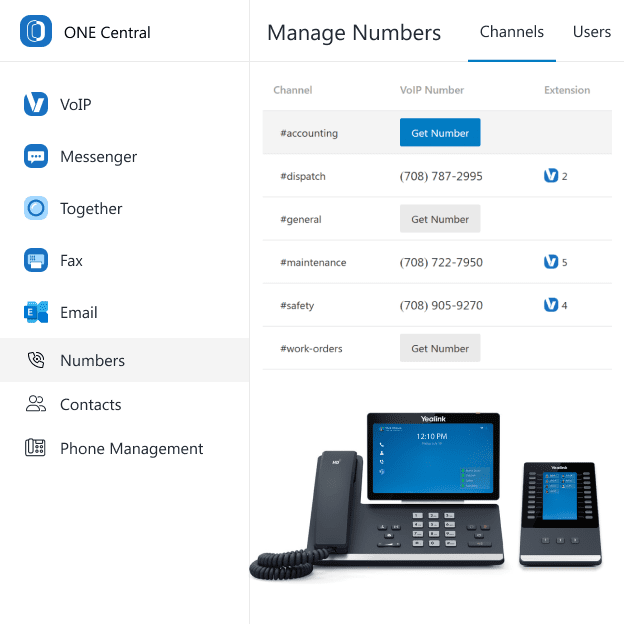
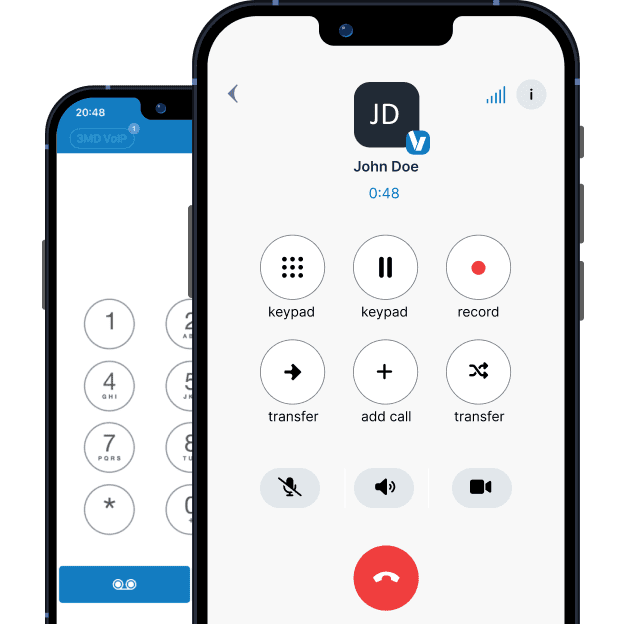
VoIP
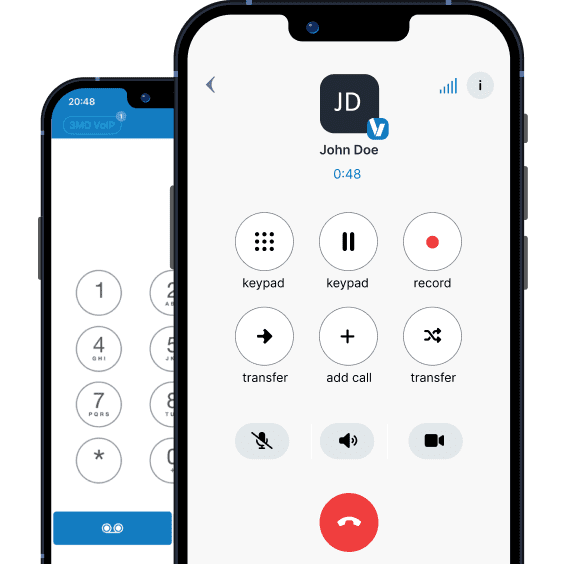
Fully featured VoIP with click-to-call and IP phone management.
-
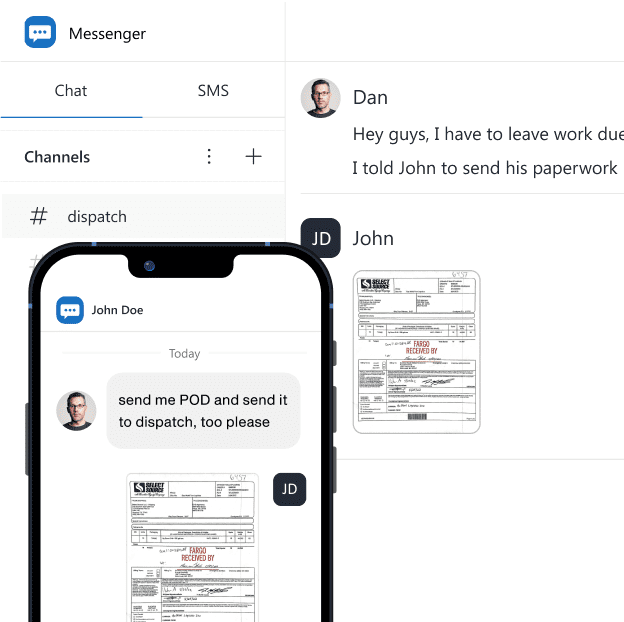
Messenger
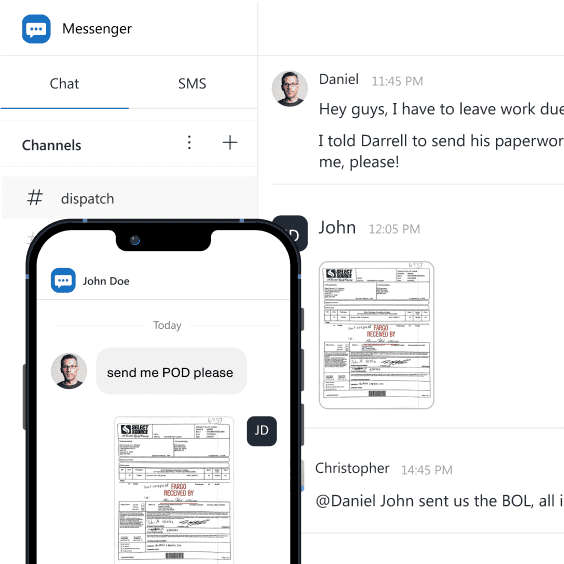
Direct messaging, channels to group conversations, and SMS.
-
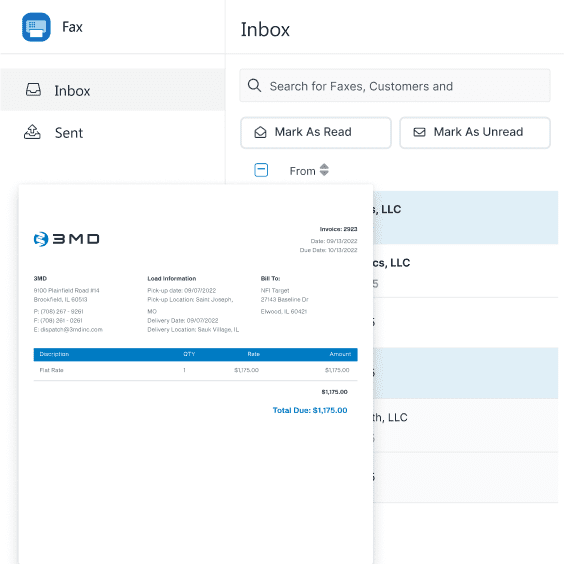
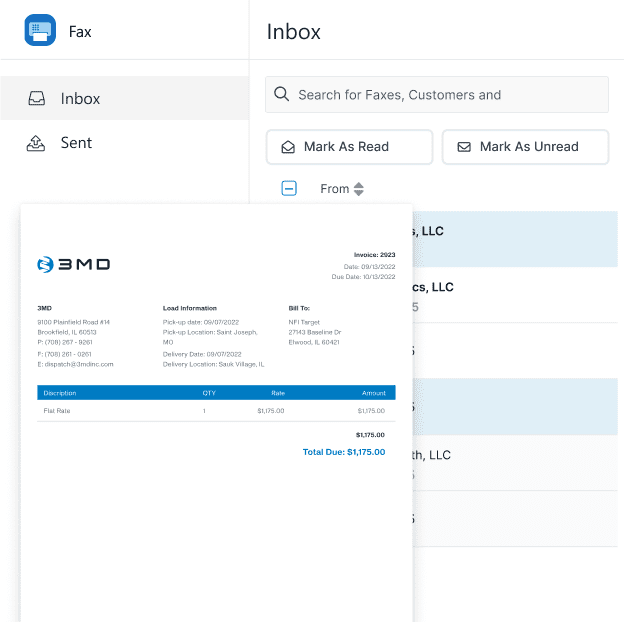
Cloud Fax
Send, receive, and email faxes without a machine.
-
Video Meetings
Host high-quality, secure video meetings with one click.

Christine Longerbeam
JP Trucking, Inc
” If you’re serious about building efficiency and profitability into your trucking business, Trucking Hub is hands down the best platform out there. ‘‘
Adam Ozoor
Ozoor Express
” Trucking Hub is by far the best trucking software I’ve used. Doing driver statements is super simple, and it saves me so much time that I basically get my Fridays off now. “
Sanya M.
MGM Wordwide Logistics, Inc
“ Trucking Hub has drastically improved our efficiency. The hassle of collecting bill of ladings is gone. It’s truly a game-changer for our operations! ”
Dave B.
Jan Trucking, Inc
“ I have been looking at TMS for my business for the past 5 years and this is the first complete system I have seen that I can implement and afford. ”
Brian Przybycien
BDP Trucking, Inc
ALL-IN-ONE TRUCKING SOFTWARE
Your Entire Operation. Connected.
Explore the apps that connect your team and automate your daily work.
-
TMS: Loads, Settlements & Invoicing
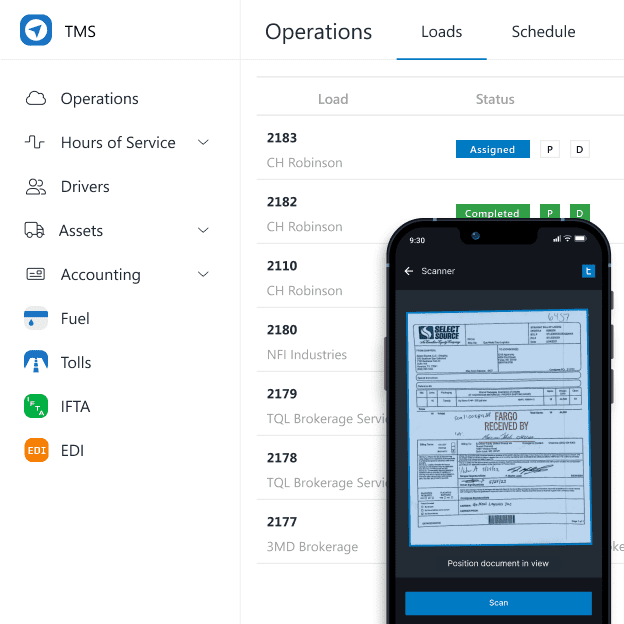
Upload a rate confirmation and AI creates the load. Dispatch it, and when the driver scans the BOL, it automatically attaches to the invoice. From dispatch to a complete invoice in less than one minute of office work, automation connects the process without re-entering load details or chasing paperwork. Customize invoices with your logo, factoring text, payment instructions, and memos. Load templates handle recurring freight, while EDI connections exchange tenders, shipment updates, invoices, and delivery documents with brokers and shippers. Driver settlements work from the same connected information. Integrations with all major fuel and toll providers automatically bring transactions into the appropriate driver statement, alongside load earnings, advances, reimbursements, escrows, and deductions. Use percentage, mileage, hourly, or custom pay arrangements, whether you’re preparing 1 statement or 100. Drivers can review statements in the mobile app, and supported accounting integrations carry financial information into your accounting system.
-
Dispatch: Tracking & Route Planning
See truck locations, assigned loads, driver schedules, equipment, and available hours of service in one view. Plan trips with PC*MILER commercial routing and mileage, follow ETAs, and let geofencing record arrivals and departures automatically. Stop timestamps give you a record of waiting time, delays, and detention without asking drivers to report every movement. Dedicated GPS tracking connects your fleet’s location with dispatch. Share tracking links with customers and connect with Highway, MacroPoint, project44, FourKites, Trucker Tools, TruckerCloud, and other visibility providers. Drivers receive load information through Trucking Hub Mobile, with CoPilot available for truck-specific, turn-by-turn navigation.
-
Device Manager: Hardware & Connectivity
Manage your fleet’s tablets, ELDs, GPS trackers, dashcams, and telematics devices from one place. Check connection status and data usage, manage settings, and remotely access tablets when a driver needs assistance. Set device policies and manage applications without bringing the tablet back to the office. Get fleet hardware and Verizon LTE connectivity through Trucking Hub, with devices and their data service managed together. Your office can see which devices are connected and address issues without asking drivers to troubleshoot everything themselves.
-
Drug & Alcohol: Testing & Consortium
Enroll in our DOT drug and alcohol consortium or manage your own testing program through the platform. Handle random selections, schedule testing through a nationwide laboratory network, and track orders and results. Test records, program documents, and certificates stay together, so you can check a driver’s status without searching through emails or calling a collection site. Manage pre-employment, random, post-accident, reasonable-suspicion, return-to-duty, and follow-up testing. Clearinghouse queries and follow-up program administration keep the related requirements connected to your driver compliance workflow.
-
Safety: DOT Compliance & Fleet Safety
See missing records, expiring documents, inspections, violations, accidents, and claims in one place. Keep information connected to the driver or equipment involved, with automated reminders for upcoming deadlines. Integrated ELDs provide electronic logs, hours-of-service visibility, and violation information, while DVIRs connect reported defects with maintenance follow-up. Dashcam ONE™ combines ELD, GPS, telematics, and video in one device. Review AI-detected driving events and footage, document incidents, and retain supporting records for claims and driver follow-up. Automatically synced roadside folders give drivers and office staff access to current documents during inspections.
-
Factoring: Funding Schedules
Build factoring schedules from invoices already in your system, with supporting load documents organized for submission. Create and sync schedules with supported factoring providers without rebuilding invoice information in a separate portal. Dispatch, billing, and factoring work from the same records, including the BOLs drivers have already scanned and attached through the automated billing workflow.
-
HR: Recruiting & Driver Qualification
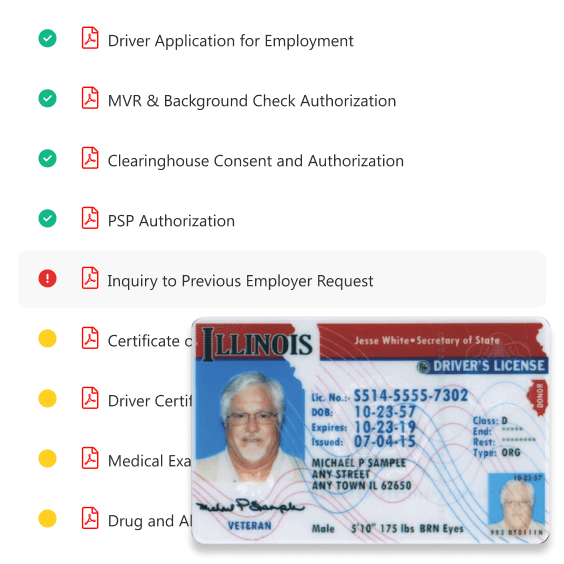
Give applicants an online driver application and manage hiring from the information they submit. Collect electronic signatures and consent forms, obtain MVRs, PSP reports, and background checks, run FMCSA Clearinghouse queries, and schedule pre-employment drug tests. The information collected during onboarding builds the Driver Qualification File automatically. Once a driver joins your company, their credentials, medical certificates, qualification documents, and expiration dates remain attached to their profile. Track missing items and receive renewal reminders without maintaining another spreadsheet or collecting the same documents again.
-
Maintenance: Service & Repairs
Schedule preventive maintenance by mileage, engine hours, or date, with automated reminders when service is due. Keep inspections, repairs, reported defects, service history, and costs attached to each truck or trailer, so you can see what needs work and what has already been completed. Vehicle diagnostics and telematics provide information about equipment condition. Defects submitted through DVIRs connect with maintenance follow-up, giving the office a record to act on instead of relying on a driver’s call or a paper inspection form.
-
ONE Central: Business Phone & Fax
Run your business phone system through Trucking Hub, with business numbers, contacts, call history, voice, text, video meetings, and cloud fax. Your team can use supported desk phones, computers, and mobile devices to handle company communications from the office or on the road. Send and receive faxes online without a fax machine, and keep your business communications tied to company numbers rather than individual employees’ phones.
-
Website: Your Company Website
Build your trucking company’s website using a template you can customize with your own pages, colors, fonts, and company information. Register your domain and manage hosting through Trucking Hub, with business email options for addresses using your company name. Put your driver application on the site so applicants can apply directly, and offer load tracking for customers. Your website becomes a place to recruit drivers and serve customers as well as introduce your business.
-
Cloud Drive: Files & Documents
Keep company, driver, equipment, and load documents in one centralized file management system. Files received through Messenger or SMS can easily be attached where they belong, whether that’s a load, a driver’s qualification documents, or another record. Drivers can scan and upload BOLs, PODs, receipts, and other paperwork from Trucking Hub Mobile, keeping documents available to the people who need them. Replace physical truck binders with a digital roadside folder containing your operating authority, insurance, IFTA documents, and other inspection paperwork. The folder syncs automatically across your entire team, so an update made by the office is available to drivers without printing new copies or replacing paperwork in every truck.
-
Payroll: Payroll Processing
Process payroll through an ADP-powered solution alongside your trucking operations. Use the TMS to prepare driver settlements, including earnings, fuel, tolls, advances, and deductions, and Payroll for the payroll-processing side of your business.
-
Messenger: Team & Driver Messaging
Keep driver and office conversations in one place with direct messages, group conversations, department channels, SMS, and MMS. Dispatch, safety, accounting, and drivers can share updates and files across mobile, desktop, and web without relying on separate personal messaging accounts. When someone sends a document or photo, attach it to the relevant load, driver file, or other record. A BOL, receipt, or driver document can move from the conversation into your company’s files without getting buried in a message thread.
-
Admin: Reporting & Company Controls
Review revenue, expenses, load profitability, cost per mile, driver pay, and operational performance using information already collected across the platform. See how fuel, settlements, maintenance, and other costs affect your business without exporting everything just to rebuild the numbers in a spreadsheet. Manage company settings, external integrations, user roles, and permissions. Activity logs let you review changes and see who updated a record, giving you control over access as your team grows.
-
Support: Help & Training
Reach our US-based team around the clock through the app, by phone, or by email, or meet with us at our Chicago office. Get help with the work in front of you, from setting up driver pay and connecting fuel providers to resolving a device issue. Migration and training are available when you move from another system. We’ll help your team get set up around the way your company operates.
Everything, Made Easy.
Manage every part of your trucking business with a single login.
Why Trucking Hub
From the driver’s seat to the back office, we’ve lived the challenges of trucking firsthand and built Trucking Hub to solve them.
-
Built by Truckers
Built on 30+ years of trucking experience, every feature is designed around real carrier workflows.
-
Family Owned
Privately owned and profitable, we answer only to the people who matter most – our customers.
-
Cloud-Native Software
Easy to use, web‑based trucking software with dedicated Windows and macOS apps for a powerful desktop experience.
-
Full DOT Compliance
Automated DOT compliance with DQF management, expirations, digital roadside folder, and tamper-proof ELDs.
-
AI-Powered Workflows
AI reads your rate confirmations and builds the load automatically – less data entry, more time running trucks.
-
Top-Rated
Trusted by 1,700+ trucking companies for exceptional support, ease of use and fast implementation.
-
Scalable Platform
Trucking Hub is a proven, scalable platform – powering hundreds of millions in annual freight transactions.
-
Fast Onboarding
Get set up and start dispatching in minutes, with migration and training available as your business grows.
-
24/7 Customer Support
Get support from US-based professionals. Available in app, by phone, email, or in person at our Chicago office.
Let's Talk
Book a call and discover how to reduce overhead and run a more efficient operation.
-
Demo Trucking Hub platform
-
Get answers to your questions
-
See clear savings in money and time
You don't need another software demo. You need to know if there's a better way to run your business. If there is, I'll show you. If there isn't, I'll tell you.
CEO, Trucking Hub
Thank you!
Someone from our team will contact you soon!
100+ Integrations
Trucking Hub is fully integrated with industry leaders.
Frequently Asked Questions
-
What is Trucking Hub?
Trucking Hub is an all-in-one Transportation Management Software (TMS) for trucking – built by a trucking company. Trucking Hub delivers enterprise-grade trucking software that brings every part of your operation into one connected platform. It delivers a complete “trucking-in-a-box” platform that unifies dispatch, compliance, fleet tracking, safety, accounting, recruiting, and communications in one system – enabling trucking companies to streamline operations, stay FMCSA-compliant, and scale with confidence using the best trucking software available.
-
What is a Trucking TMS?
A Trucking TMS, or Transportation Management System for trucking companies, is specialized software designed to manage and automate core fleet operations. It streamlines dispatching, routing, load management, driver communication, invoicing, maintenance tracking, and DOT compliance – all from a centralized, cloud‑based platform. This helps carriers reduce manual work, improve efficiency, and maintain real‑time visibility across their entire operation. At Trucking Hub, we’re more than a leading trucking software provider – we are an asset‑based carrier with decades of real‑world fleet experience. Our team has operated and scaled a successful trucking company, so we understand the actual challenges carriers face every day and build technology that solves them. Trucking Hub TMS is purpose‑built for trucking companies, by a trucking company. Every feature is designed to help fleets operate more efficiently, stay compliant with FMCSA and DOT regulations, increase visibility, and scale without adding unnecessary overhead – delivering the most complete, real‑world‑tested truck management software available today.
-
Why use a Transportation Management System (TMS)?
Trucking companies use a TMS to gain a real competitive advantage. A Trucking TMS centralizes dispatch, tracking, billing, compliance, and communication in one system so teams spend less time on manual work and more time moving freight. It improves visibility, reduces errors, speeds up invoicing, and helps fleets run more efficiently and profitably.
-
What does a TMS system do?
A Transportation Management System, or TMS, is software that helps manage and optimize the movement of freight. It is used to plan routes, assign drivers, track shipments in real time, manage paperwork, and handle billing and settlements. By putting these workflows in one system, Trucking Hub improves visibility, reduces manual work, and helps carriers run more efficient and profitable operations.
-
How long does it take to implement TMS software?
Many fleets can begin using TMS software within hours. Trucking Hub is designed to be intuitive, so carriers can register for the free trial and start running loads within about an hour, without heavy setup or hand-holding. If data migration or custom workflows are needed, onboarding may take a few days.
-
Is Trucking Hub's TMS software cloud-based?
Yes. Trucking Hub’s TMS is built as cloud-native software, so you can access it from any web browser without installing anything locally. In addition to the cloud platform, Trucking Hub also offers dedicated applications for Windows and macOS when you want a native desktop experience.
-
What is the difference between Fleet and Transportation Management?
Transportation management focuses on optimizing freight movement, including load planning, dispatching, route optimization, and real-time shipment tracking to ensure efficient deliveries. Fleet management focuses on managing assets and drivers, covering vehicle maintenance, compliance (ELD, IFTA, DOT Drug Consortium), safety monitoring, fuel tracking, and driver performance. While transportation management focuses on moving freight efficiently, fleet management ensures trucks, drivers, and compliance stay on track. Trucking Hub is an all-in-one trucking management software that combines both fleet and transportation management, offering a seamless solution to manage dispatch, routing, compliance, and billing — all in one platform.
-
Is Trucking Hub for truckload carriers and private fleets?
Yes. Trucking Hub TMS trucking software is purpose-built for truckload carriers and private fleets that want to do more with less and grow revenue without adding back-office staff.